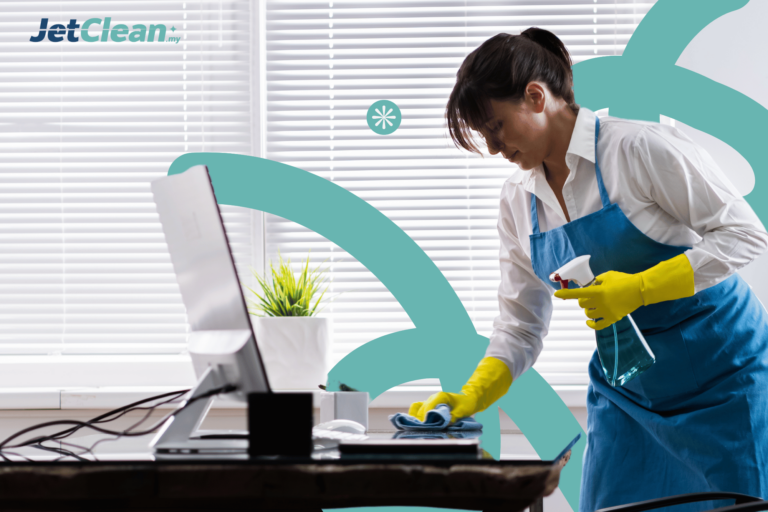
Computer Cleaning and Maintenance Service Malaysia

Image Computer Cleaning and Maintenance Service Malaysia
🌟
Computer Cleaning and Maintenance Service
📚
JetClean
📚
The Computer Cleaning and Maintenance Service at Jetclean is designed to optimize performance and extend lifespan.
💵
Starting from RM50 per hour
Rated 4.9 out of 5 · 354 reviews
📍
Malaysia

Keep Your Computer Running Smooth With Computer Cleaning Malaysia

Computers have become an integral part of our lives. These electronic devices can be used to help with work, study, and socializing. However, over time, computer performance can decline due to dust, viruses, and unused files.

Dust accumulating inside a computer can disrupt the cooling system and cause overheating. As a result, the computer becomes slow and often hangs. Dust entering the internal components of a computer can cause short circuits and component damage.

Additionally, computers that are rarely cleaned are more susceptible to virus and malware attacks. This is due to the accumulation of temporary files and cache that can open the way for harmful programs to infiltrate.

Trusted Computer Cleaning and Maintenance Services in Malaysia

To keep your computer performing optimally and prevent damage, it is important to clean your computer regularly. Jetclean is here to provide optimal care for your computer.

Jetclean has a team of technicians with special expertise in cleaning and maintaining computers. We use safe equipment to clean every component of your computer in detail.

All cleaning processes are carried out systematically to ensure that all parts of the computer are clean without any trace of dust or dirt. This cleaning process is done quickly and efficiently so you don’t have to wait long.

So what are you waiting for? Take advantage of Jetclean’s computer cleaning and maintenance services now to ensure your device remains in top condition and functions optimally at all times!

Benefits

Flexible Services

Jetclean offers a wide range of customizable services, from physical cleaning to system optimization tailored to customer needs.

Cost Effective

Customers are only charged for the selected services, with no additional costs for purchasing their own cleaning equipment or products.

Trained Professionals

The Jetclean team consists of experienced and highly trained experts who provide meticulous, professional, and satisfying services.

Professional Results

Jetclean ensures impeccable computer cleaning results through strict hygiene standards and the use of best-in-class cleaning products.

Time Efficiency

Jetclean enables customers to save time typically spent on cleaning computer devices, allowing them to focus on more important work and activities.

Quick Service

Jetclean provides a quick response and flexible scheduling to ensure that customers' cleaning needs are met promptly without delay.

Computer Cleaning and Maintenance Service Malaysia Testimonial

Cleaning Staff​
0 +
Client
0 +
Flexible
0 %
Experience
0 +

Choose Your Plan

Quick Cleaning

Standart​

One Day Services​

The Importance of Maintaining Computer Cleanliness Regularly

Ever wondered how often you should really clean your computer? A lot of people think a monthly cleaning is enough, but it’s not that simple. 

How often you should clean your computer really depends on a few things, like where you keep it, how much you use it, and what kind of computer it is. Computers in dusty places, like near the floor or a window, get dirty faster than those in clean rooms.

Also, computers that do heavy work, like gaming or video editing, get hotter and dustier, so they need cleaning more often. Dust inside your computer can cause all sorts of problems, from slowing it down to breaking parts. 

When dust builds up on parts like the cooling fan, your computer can’t cool down as well and might overheat. Dust can also scratch delicate parts inside your computer and cause permanent damage. 

So, how often should you clean your computer? As a general rule, cleaning it every 3-6 months is a good idea. But if you’re a heavy user or live in a dusty place, you might want to clean it more often, like every 1-2 months. 

There’s no one size fits all answer when it comes to cleaning your computer. The most important thing is to pay attention to how your computer is doing. If it’s getting hot, running slow, or making weird noises, it’s probably time for a cleaning.

Optimize Computer Performance with Jetclean Services

Using Jetclean’s computer cleaning and maintenance services offers you significant advantages. With optimized cleaning procedures and the right equipment, our technicians can thoroughly clean your computer components, removing accumulated dust and dirt. Through Jetclean’s comprehensive cleaning and maintenance services, your computer will be much faster and more responsive, while also enhancing its overall performance. Jetclean is also committed to maintaining operating system stability and extending the lifespan of your computer to support your daily productivity.

Extend the Life of Computer with Regular Maintenance

Keeping your computer clean is key to keeping it running smoothly. Dust can build up and cause all sorts of problems. Jetclean’s pros can give your computer a deep clean, inside and out. They’ll clean your keyboard, monitor, and CPU, as well as the stuff you can’t see, like the fans and motherboard. Using special tools, they’ll get rid of all the dust and grime without hurting anything. Your computer will thank you by running faster and lasting longer.

FAQ

You can have your computer cleaned by Jetclean every 6-12 months. However, if you use your computer frequently, it’s recommended to have it cleaned more often.

Jetclean’s team will clean both the external and internal components of your computer. This includes the CPU, keyboard, mouse, monitor, as well as internal parts like the cooling fan, heatsink, motherboard, and component slots.

No. Jetclean ensures that all cleaning processes are carried out by experienced technicians using the right tools, so you can rest assured that your computer will be safe.

The cleaning process at Jetclean typically takes around 1-2 hours, but it can vary depending on how dirty your computer is.

You can get complete information via the Jetclean website.

Revive Your Computer to Like New Condition with Jetclean!

Get comprehensive, fast, and risk-free computer cleaning services.